
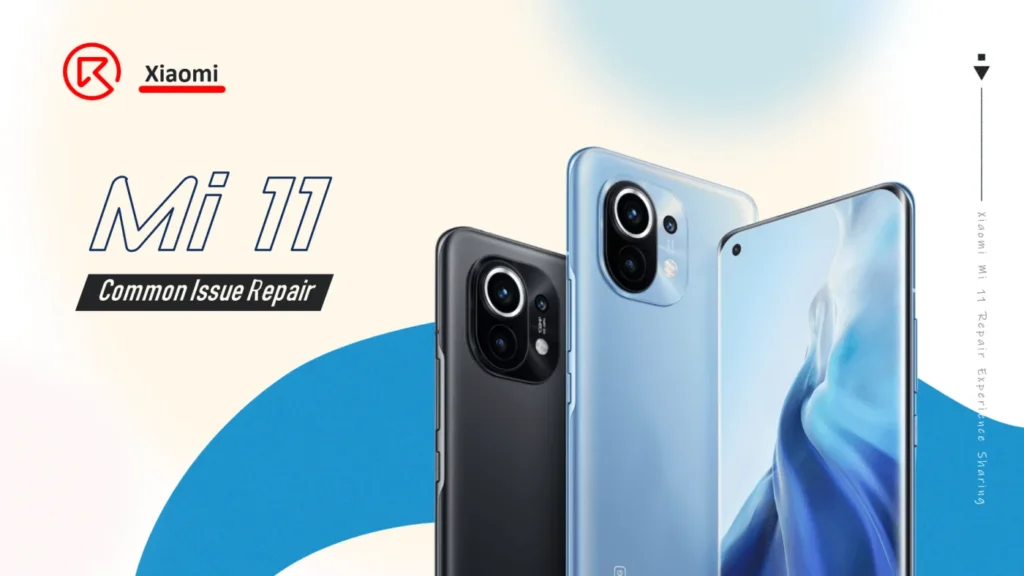
Xiaomi Mi 11 Common Issue Repair
Model: Xiaomi Mi 11
Announced: 2020, December 28

Defect Phenomenon
Suddenly no sound when playing the video, tried to reboot a few times but still with the same issue.
Troubleshooting
First, disassemble the phone and check the motherboard and parts inside

Take out the motherboard, it’s obvious, that the motherboard has been repaired before

The circle marked two chips, U6001 and U6000 are relative to the speaker and earpiece function

Since the two chips have been replaced or resoldered, the issue still remains the same. We consider that the issue should be caused by the common part of the two chips. Scratch out the pads on the PCB which are related to the audio data transmission, and measure the diode value.

After measuring with the multimeter, find the test point (signal: SPKR_I2S_DOUT) that goes to the CPU U3100 with the abnormal diode value.

At this point, we can preliminarily determine that the no sound issue is caused by the poor soldering of the CPU.
Repair Process
First, remove the black glue around the CPU with a sculpture knife and hot aid gun

Then heat the CPU with the hot air gun evenly, heating parameters as follows for reference
- Hot air gun model: QUICK2008
- Temperature and airflow: 350℃/ 100
Pry up the CPU firstly layer gently when feeling the tins under the CPU get melted


Keep heating evenly, until the CPU core layers tins pads get melted. And pry it up with the thin sculpture knife

After that, let’s deal with the pads on the PCB
- Apply a little bit of soldering paste, solder flux, and rosin
- Heat with the hot air gun and clean the pads on the chip with the soldering iron and solder wick
- Clean the pads with the PCB cleaner and remove the residual glue with a sculpture knife gently


The CPU should also be resoldered.
- Clean the clue on the CPU
- Remove the tin on the CPU with soldering iron + solder wick + solder flux/roin
- Apply with the reballing stencil to apply the tin paste, then heat up to solidify the tin paste
- Take the chip off from the stencil, and heat up again to reform the tin ball pads

In the last step, let’s solder back the two layers of the CPU

Measure the diode value on the test point SPKR_I2S_DOUT again, now it’s 346, back to normal.

Assemble the phone and test. All the functions are OK and can play music normally.
The issue gets resolved perfectly by resoldering the CPU chip.
Tips
The Android models equipped with Snapdragon 888 chips can get hot easily, then cause the CPU poor soldering. It’s the CPU design defect, also it’s a common and well-known issue in the repair industry already.
Issues like
- No Wi-Fi
- Cannot boot
- No sound
are usually caused by the poor soldering of the CPU chip, we can resolder the CPU to resolve the problems.
>>> Visit REWA Academy to know more repair knowledge and tips.
 English
 Español
 Français
 Deutsch
 Italiano