
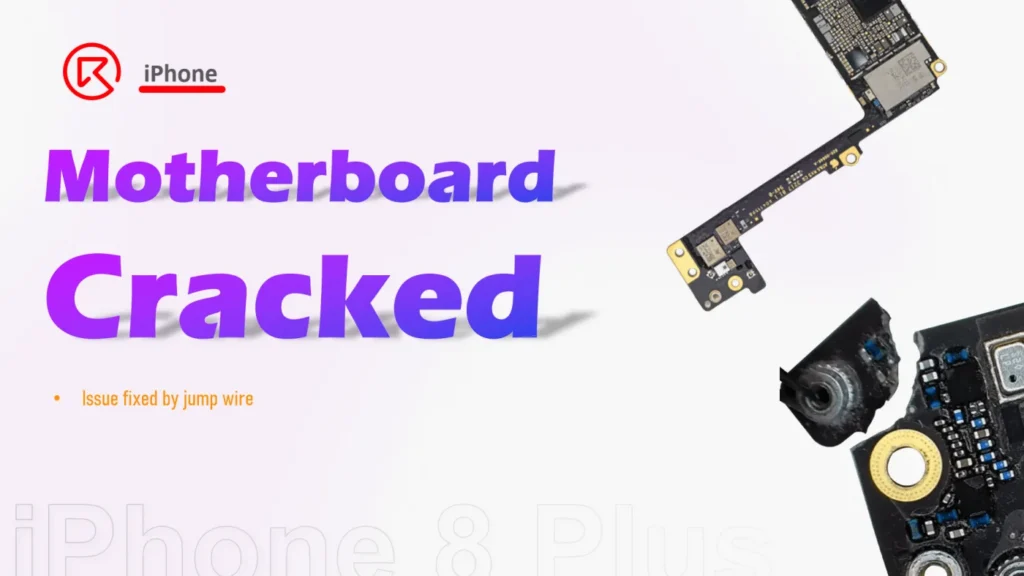
When a customer brought in a severely damaged iPhone 8 Plus, many would have deemed it unrepairable. The device had suffered a brutal drop, cracking the screen, shattering the back glass, and—most critically—damaging the motherboard. However, for skilled technicians, even a cracked PCB doesn’t mean it’s game over.
In this article, we’ll guide you through the full iPhone 8 Plus motherboard repair process, step-by-step—from diagnosing Wi-Fi failure to jumping micro traces with UV mask support. Whether you’re a repair technician, DIYer, or refurbisher, this guide will show you what’s possible with board-level repair.

Device Overview
Model: iPhone 8 Plus
Announced 2017, September 12
Released 2017, September 22
Defect Symptoms After Drop Damage:
- Cracked screen
- Shattered back glass
- No microphone function during calls or voice memos
- Wi-Fi toggle ON, but no signal detection

Troubleshooting Summary:
- Screen: Touch and display still functional → screen refurbishment chosen to save cost.
- Back glass: Replaced with a new one (with dock flex/microphone attached).
- No voice recording or call audio: Caused by dock flex damage; solved with back housing replacement.
- Wi-Fi issue: Root cause traced to a cracked motherboard—specifically antenna lines on the PCB.

Repair Process: iPhone 8 Plus Motherboard Fix
1. Disassemble the Phone
- Remove screen, battery, and internal screws.
- Take out the motherboard carefully.

2. Inspect the Damage
- A visible crack was found in the corner of the PCB.
- Bitmap analysis showed that antenna traces were broken near the damaged zone.


3. Stabilize the Crack
- Temporarily secured the cracked section with a UV-curable solder mask.
Luckily, the cracked part can be fixed by jumping wire.
Side A

then jump wire as below

4. Side A Repair – Jump Wire Fix
- Identify broken antenna pads using the bitmap.
- Use micro jumper wire to bridge the broken traces.
- Cover with UV mask and cure with a UV lamp.
After jumping the wire apply with the UV mask, then cure it with the UV lamp

4. Side A Repair – Jump Wire Fix
- Identify broken antenna pads using the bitmap.
- Use micro jumper wire to bridge the broken traces.
- Cover with UV mask and cure with a UV lamp.
Side B
Refer to the bitmap and fix the other side. Two wires should be jumped, then cure with the UV lamp.

Apply a little bit more of the UV mask to the cracked part

Cure with the UV lamp again to enhance the bonding

Repair Outcome
- Wi-Fi issue resolved: Signal scan and connection restored.
- Microphone works again: Voice memos and call audio back to normal.
- All functions pass post-repair testing.


 English
 Español
 Français
 Deutsch
 Italiano