
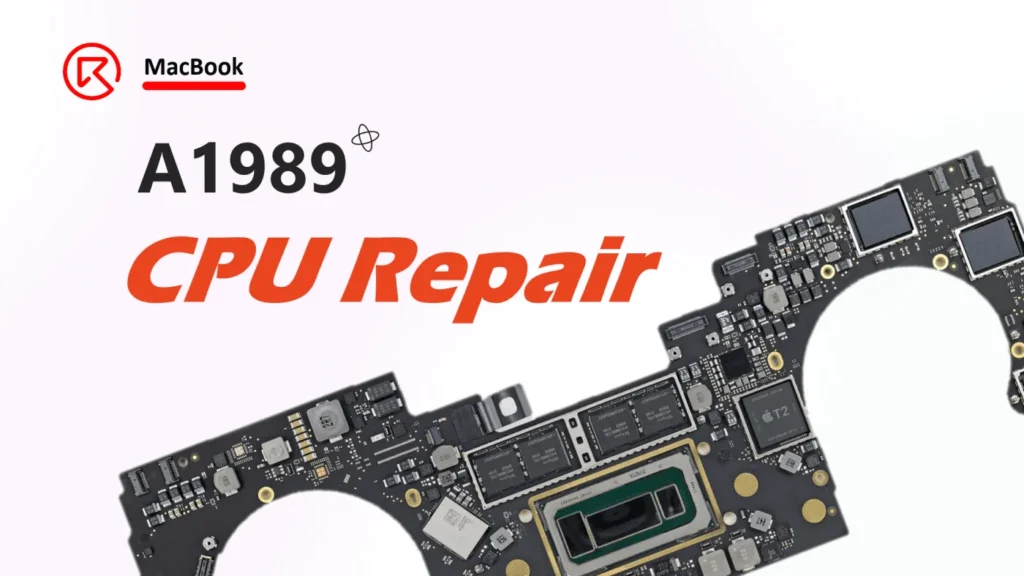
MacBook A1989 cannot boot, the issue is caused by water damage on the screen.

Model: MacBook Pro 13″ (A1989)
Year: 2018-2019
Board Number:820-00850-07
Defect Phenomenon
Water damage causes the CPU not to work and cannot boot. Resolder the CPU then assemble the phone to test, but as the water or maybe moisture on the screen still not completely cleared, cause short, the CPU was damaged again!

Troubleshooting
First, we know the issue is caused by the screen and the CPU.
- For the screen, when assembling, we must replace it with a new one to avoid the short.
- For the CPU, we need to replace it with the rework station
Measure the signal from the screen connector to the CPU

After measuring, we find one pin is shorted to the ground
(diode value is only around 20)

Track this signal (EDP_INT_AUX_P) on the bitmap and schematic, it’s connected to the CPU directly, as we can see from the bitmap


So we must replace the CPU with a new one.
Repair Process
First, remove the CPU by the BGA rework station


Then clean the pads on the PCB

Measure the diode value on the screen pin 3 (EDP_INT_AUX_P)again, the diode value is back to normal

Then the last step, we just need to solder the CPU back to the motherboard
- Apply some rosin on the PCB pads and the new CPU

- Double-check and confirm the pads on the CPU are OK

- Ensure the CPU is well aligned with the pads on the PCB

- Then place the motherboard on the BGA rework station to heat

- When the BAG rework station heating temperature reaching 200℃, the CPU will start to melt and be soldered on the PCB.
(during the process, we can check from the gap to observe the melting process)

- After soldering the new CPU, and measuring the diode value on the display connector, the diode value is still normal.

- Now we can apply some thermal grease to the CPU and then assemble the heat sink,

Last but not the least, assemble the MacBook and boot it to have a test. The device can be booted normally and all the functions are also tested OK.

Lesson learned
Pay attention to the repair details, sometimes serious issue is caused by tiny things.
In this case, if double-checking the screen, ensuring everything is OK, and then assembling the MacBook, the issue could be avoided.
>>> Visit REWA Academy to learn more useful repair courses.
 English
 Español
 Français
 Deutsch
 Italiano