
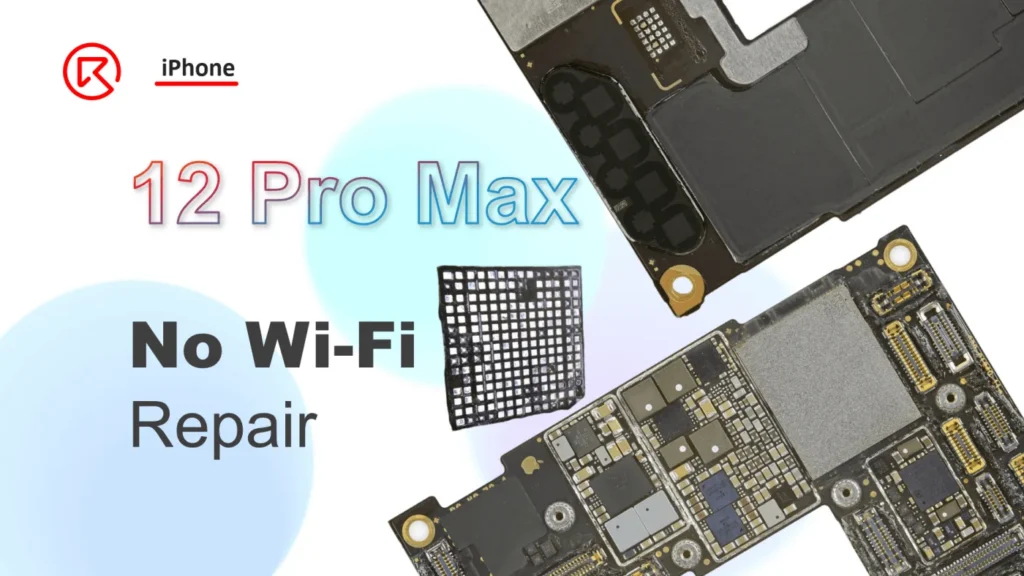
The iPhone 12 Pro Max can experience Wi-Fi issues after a drop, especially if the damage impacts internal components like the PCB layers. This article walks you through diagnosing and repairing iPhone 12 Pro Max Wi-Fi issues caused by drop damage, including transferring encrypted chips and addressing missing connection pads on the Wi-Fi chip itself. Follow these detailed steps to restore Wi-Fi functionality effectively.
Defekt-Phänomen
This iPhone 12 Pro Max arrived with Wi-Fi issues after drop damage. Upon inspection, the internal PCB layers showed cracks, prompting a swap of the encrypted chips to a new board. However, the Wi-Fi still didn’t function.
Fehlersuche
The iPhone 12 series uses an encrypted Wi-Fi chip bonded with the CPU, making straightforward replacement impossible. Common causes for Wi-Fi issues include:
- Poor connection in the Wi-Fi chip
- Damage to the Wi-Fi chip itself
- Inadequate working conditions for the Wi-Fi component
Since the chips were swapped onto a new board, the issue likely lies with the Wi-Fi chip itself.
Reparatur-Prozess
Examine the Wi-Fi Chip Under a Microscope

The inspection showed several missing pads on the Wi-Fi chip, meaning a new replacement wouldn’t resolve the problem. Instead, repair focuses on reconnecting missing pads.
Prepare the Chip for Jump Wiring


- Scratch away the surface to reveal the conductive root pads.
- Apply a thin layer of tin paste and secure it with a soldering iron.
- Carefully attach a soldering lug to re-establish a connection.
- Cure with UV mask and UV lamp, then remove any excess UV glue.
Repair Serious Pad Damage


- For pads with deeper damage, scrape out the conductive root using a fine sculpture knife.
- Apply UV mask to solidify the pad area.
- Attach a conductive wire, forming small loops around the pad manually
Tipps
- Remove extra UV glue before applying tin paste to the jump wire loop.
- Secure the loop with soldered lugs to complete the connection.
Reassemble the Wi-Fi Module

- Reball the Wi-Fi module and solder it back onto the motherboard.
- Use a heating platform to recombine the motherboard layers.
- Reassemble the phone and test functionality.
After reassembly, the Wi-Fi function was fully restored, and all other functions worked normally.
Zusammenfassung
Through careful inspection and jump wiring, we restored the Wi-Fi functionality on this iPhone 12 Pro Max. This method effectively addressed pad damage on the Wi-Fi module, making it possible to recover from otherwise challenging drop damage.
Werkzeuge und Teileliste
- Mikroskop
- Lötkolben
- Zinnpaste
- UV-Maske und UV-Lampe
- Bildhauermesser
- Conductive wire
- Heizplattform
 English
 Español
 Français
 Deutsch
 Italiano