
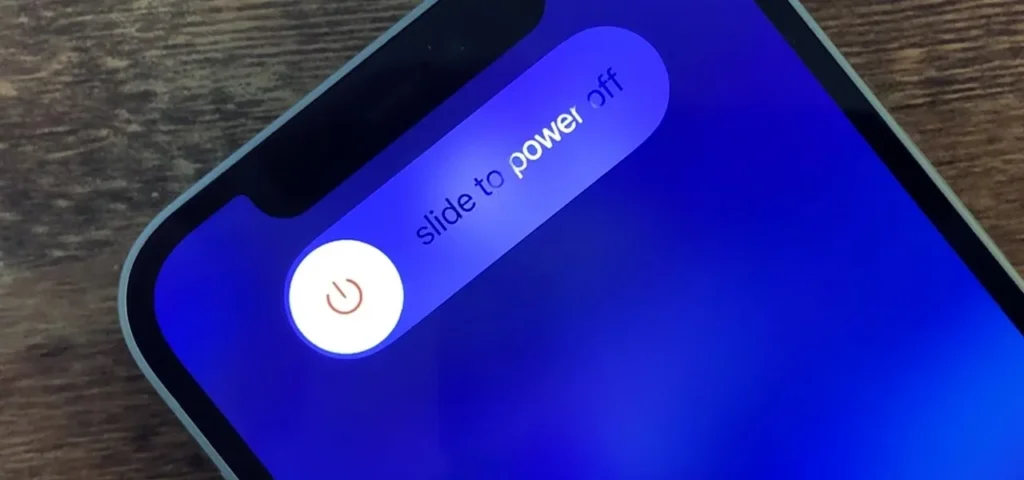
How to shut down iPhone 12? This article mainly introduces the five ways to shut down/force shut down iPhone 12. Check it out for your own needs.
1. Use Siri to shut down.
Open the Siri and say “Shut down”. You will see steps of how to shut down. Follow the steps to turn the phone off.

2. Power button + volume up button
Press and hold both the Sleep/Wake button and the volume up button. Click slide to power off.

3. Power button + volume down button
Press and hold both the Sleep/Wake button and the volume down button. Click slide to power off.

4. Shut down the iPhone in settings
Go to settings > General > Shut Down.

5. Force restart
First, press and hold the volume up button and then quickly press the volume down button, and finally keep pressing the power button.
That’s all for the five ways of how to shut down/force shut down iPhone 12.
 English
 Español
 Français
 Deutsch
 Italiano