
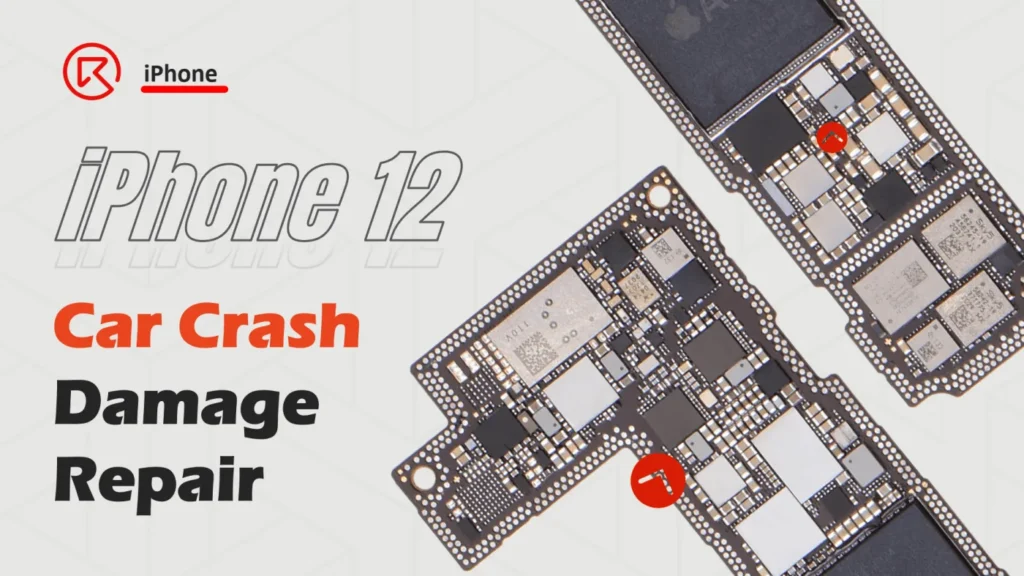
A car crash severely damaged this iPhone 12, leaving it with cracked back glass, internal logic board trauma, and no power. The client urgently needed to retrieve the locked data. In this iPhone 12 no-boot repair guide, you’ll learn advanced diagnostic and microsoldering techniques to restore functionality and recover essential data. Whether you’re a technician or a DIY pro, this article provides step-by-step instructions on addressing current leakage, missing pads, and damaged components to bring the phone back to operational life.

Device Overview
Model; iPhone 12
Reason: Broken for car crash
Problem Overview & Diagnosis
The back cover glass has cracked seriously, we can even see the wireless charging coil. First, disassemble the iPhone 12, and take out the motherboard to have a look.
The cosmetic of the motherboard looks OK.

Then connect the motherboard with the DC power supply and trigger it with tweezers to boot.

As we can see, there is a 40-50mA current leakage, when pressing the power button, the current shake a little bit then back to 40-50mA again. And the motherboard cannot be booted either.
Then remove the heat dissipation sticker and foam around the connector, etc.

Then separate the iPhone 12 motherboard with the heating platform

After separating, we can see there are around 20-30 pads that are missing. Besides, some component even get off from the motherboard by the serious drop damage.

Let’s first try to boot with the logic board only, and there is still a 40mA current leakage.

So, by now we can find at least 3 problems
- Pads missing on the middle layer
- Components missing
- Small current leakage on the logic board (must be something wrong with chips)
Repair Process
Let’s fix them one by one.
First, as we can see from the bitmap, the dropped inductor L4200 it’s relative to the PP_VDD_MAIN power supply. Let’s solder it back.


After soldering back the L4200, connect with the DC power supply to trigger and boot the motherboard again. This time, the phone can be booted.

But the screen is damaged by the car crash already, later after the motherboard gets fixed, we’ll need to replace another new iPhone 12 screen.
Secondly, let’s fix the 40mA current leakage on the logic board. For this small current leakage, we can try to find out the damaged component by the thermal image camera.

It’s the NFC_P chip gets hot

Clean the motherboard with PCB cleaner and check under the microscope, we can see there is a tiny scratch sign on the surface of the NFC_P chip.

Then remove this chip with the hot air gun and connect it with the DC power supply machine to test again, the 40mA small current leakage is gone.

Solder back a new NFC chip, then the second issue is resolved.
Then let’s fix the last and the most common problem for iPhone X and above models, fix the MISSING pads!
- Scratch out the missing pads gently, do not scratch too much to avoid damaging the inner layers
- Apply a little bit of tin paste to the pads
- Solder back the soldering lug to fix the missing pads


For the special pads that can not apply the tin paste and slug directly. We will need to
- First, scratch out the pads on the PCB
- Then make a tin wire circle with the tweezer to play the role of middle layer pads
- Apply with the UV mask then cure it with the UV lamp
- After curing and fixing, scratch out the wire

After fixing the missing pads, then the last step lets solder back the two layers of the motherboard with the heating platform to test.

Assemble the phone and test, the phone can boot normally and all the functions are OK.

Go to iPhone Complete Course Bundle >> Get Limited Free Repair Book
 English
 Español
 Français
 Deutsch
 Italiano