
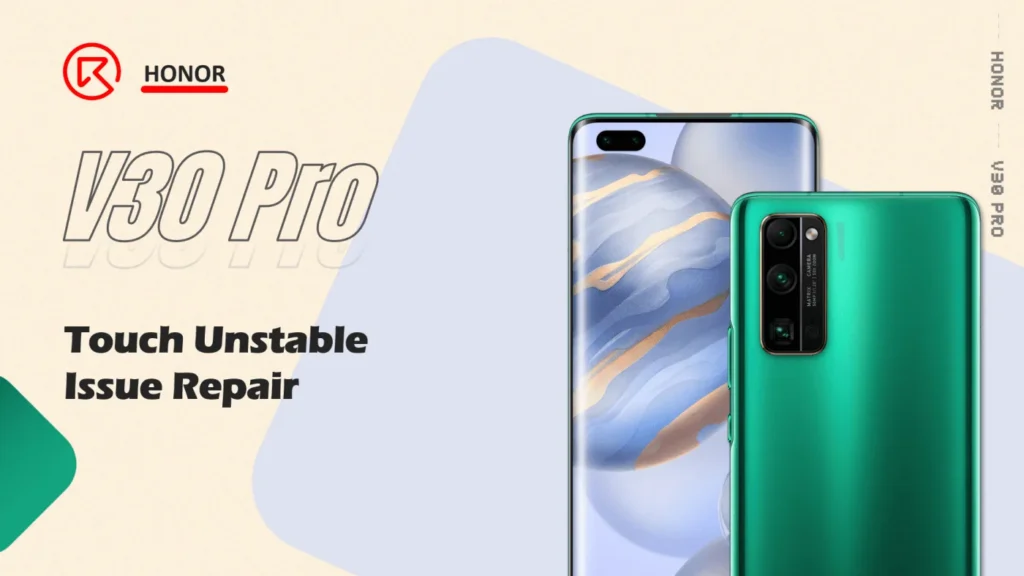
The V30 Pro Touch Unstable Issue Repair Process
Defect Phenomenon
- Screen touch function unstable
- The motherboard temperature is too high during normal use, with a burning smell
(*. client needs to keep the data)
Troubleshooting
Disassemble the phone and check the motherboard and parts inside, could smell something burning.

Then take out the motherboard

Connect the DC power supply, trigger to power on, and check the current reading

It with a large current, and we can check the heat component under the thermal image camera
Locate the rough range, the hot component is under the shielding cover

Remove the shielding cover and check with the thermal camera again, to find the defective components, it’s the capacitor under the shielding cover.

Double confirm with the multimeter, it gets shorted indeed

The heat with the hot air gun to remove it from the motherboard directly

Then boot it with the DC power supply and the board can be booted normally.

Assemble the phone to test, the phone can also boot normally. But compare with the normal phone, the screen is too dim even adjust to the highest brightness.

So there’s another issue with the backlight, we’ll need to fix it.
This kind of issue is normally caused by the backlight power supply chip or the relative circuit damage.

After removing it, check the components under the shielding cover with the multimeter. And finally, find the issue is caused by the boost inductor.

Replace it with a new one

Then assemble the phone and test again, the phone’s touch and display function works fine.

Summary
Without checking the schematic or the bitmap, the unstable display and dim backlight issue root cause get confirmed by the thermal image camera, and finally, the issue gets resolved by the chip replacement.
But both the handwork and theory are important for cellphone repair, visit REWA Academy to light up your repair skills.
 English
 Español
 Français
 Deutsch
 Italiano