
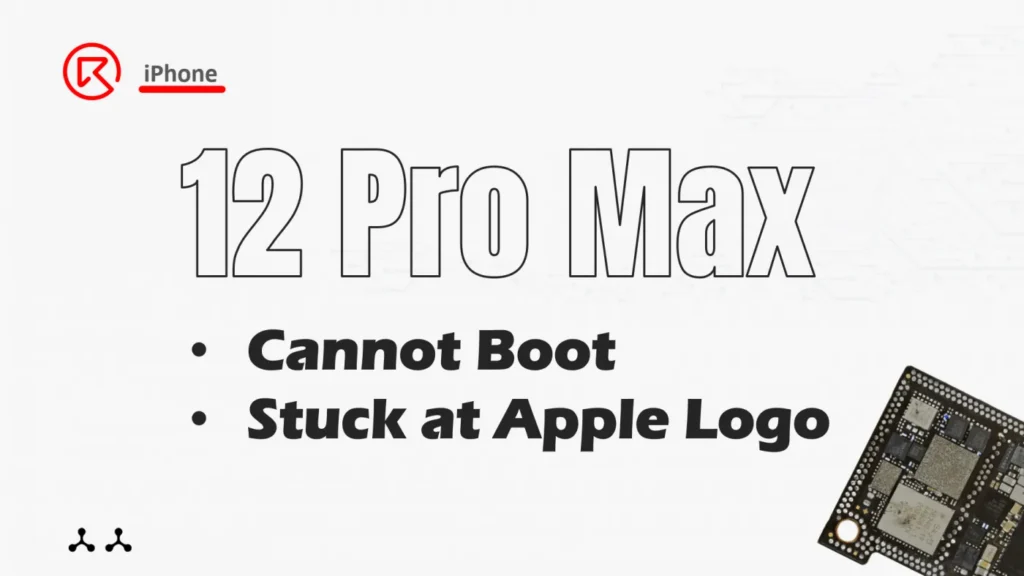
An iPhone 12 Pro Max that won’t charge and remains stuck at the Apple logo is a repair technician’s challenge. This issue arose after a screen replacement, leading to motherboard problems. This detailed guide explores the troubleshooting process, identifies the root cause, and outlines the steps to replace the defective USB chip.

Detalles del dispositivo
Modelo: iPhone 12 Pro Max
Anunciado: 2020, October 13
Fenómeno del defecto
- The original screen was damaged and has been replaced with a new one.
- After a few days of use, the phone stopped working and could not be booted.
- Connected it to the charging cable, but there was no response.
Solución de problemas
Disassemble the phone and apply a sticker to the Face ID module.

Inspección inicial
Face ID Module: Protected with a sticker before disassembly.
Placa base:
- No signs of previous repairs or water damage.
- No physical deformation.
Everything looks fine.
Boot Current Check
- Connected the motherboard to a DC power supply and observed the current curve.
- The boot current remained fixed at 400mA, suggesting chip damage.
Thermal Imaging Analysis
- Separated the motherboard layers using a heating platform.
- Supplied power and used thermal imaging to locate overheating.
- Identified the USB chip as the source of excessive heat.

Proceso de reparación
USB Chip Removal
- Removed the defective USB chip using a hot air gun and tweezers.
- Worked quickly to avoid impacting the nearby Power Management Unit (PMU).

Pad Preparation
- Cleaned the pads with solder flux and solder wick.
- Ensured the pads were smooth for optimal chip connection.

Chip Replacement
- Re-balled the new USB chip to ensure all solder joints were intact.
- Soldered the chip onto the motherboard with precision.
Recombine Motherboard Layers
- Reassembled the motherboard layers using a heating platform.

Pruebas
Boot Current Check
Verified that the boot current returned to normal after USB chip replacement.

Functional Testing
- Assembled the phone and tested charging functionality.
- Conducted additional tests to ensure all functions were working correctly.
Resultado final
The iPhone 12 Pro Max was successfully repaired. The phone now charges normally, boots without issues, and retains full functionality.
Principales conclusiones
- Precision Tools: Use thermal imaging to pinpoint overheating components.
- Quick Repairs: Minimize heat exposure to sensitive components during desoldering.
- Preventative Care: Protect nearby components like the PMU during chip replacement.
For more professional repair tips and advanced techniques, visit Academia REWA.
Let me know if you’d like any adjustments, additional sections, or graphics to accompany this guide!
 English
 Español
 Français
 Deutsch
 Italiano