
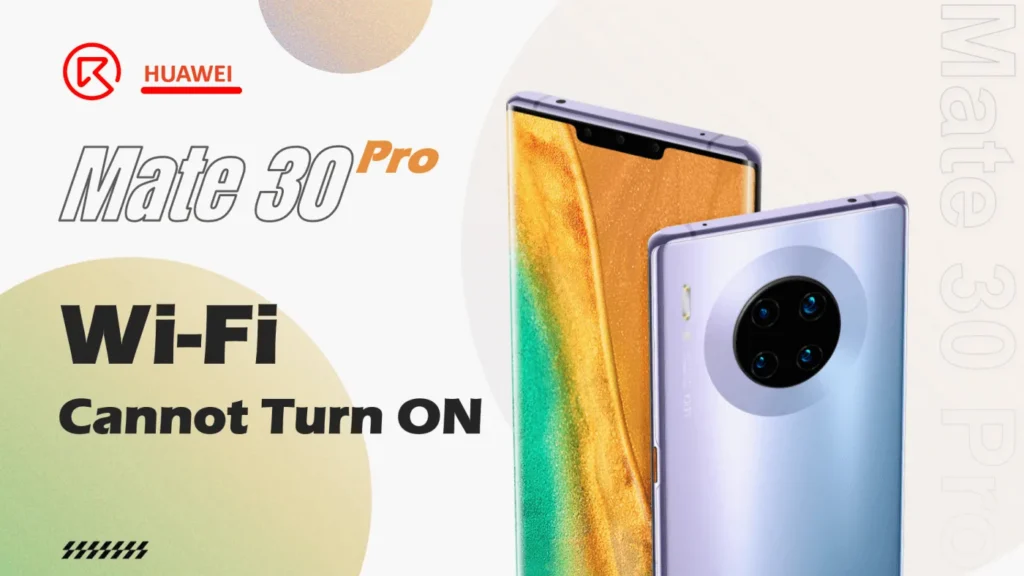
HUAWEI Mate 30 Pro Wi-Fi Cannot turn on, repaired many times but still does not work.

Model: HUAWEI Mate 30 Pro
Model: 2019, September 19
Troubleshooting
The HUAWEI Mate 30 Pro Wi-Fi button cannot turn on and has been repaired by different repair shops before.

Disassemble the phone
- Remove the back cover
- Protect the cameras with some stickers
- Remove the screws
- Take out the motherboard
Check the motherboard under the microscope carefully, as we can see, there is some solder flux residual on the motherboard.

Hmmm… Regardless of the repair skill, the attitude and the service awareness of the previous repair shop is not that good. It should be the basic rule to ensure that both inside and outside of the phone are clean and tidy.
Anyway, let’s continue to check the motherboard. Besides the flux, we can see the Wi-Fi chip and crystal have traces of maintenance.

The no Wi-Fi issue should be relative to the crystal and the Wi-Fi chip.
Repair Process
First, clean the whole motherboard with the PCB cleaner thoroughly

Then remove the shielding cover, and take off the crystal chip inside

As we can see, the crystal chip gets corrosive already.
Chip Number: TCXO7201
Spec.: 38.4MHz

Remove the chip and measure the diode values on the PCB pads, the measuring result is OK.

Let’s replace it with a new one with the same specification and solder back the cover.
After that, continue to check the motherboard. Since it’s the Wi-Fi cannot turn on issue, we can focus on checking the Wi-Fi chip and components around it. There are some tin balls around the Wi-Fi chip, the Wi-Fi chip reflowing process must be with some problem cause the tin flowed out.

So we need to resolder the Wi-Fi chip.
- Remove the black glue around the Wi-Fi chip
- Heat with the hot air gun then remove the chip from the motherboard
- Apply flux on the PCB pads then deal with the pads with the soldering iron, remove the excessive tin and black glue, and flatten the pads on the PCB
There is a pad missing
- Scratch the pads slightly

- Make a new pad with the solder paste

Then solder the Wi-Fi chip back to the motherboard

Push with the tweezers slightly, if the chip is back in position automatically means the soldering process is finished.
After the soldering process, clean the motherboard with the PCB cleaner again thoroughly, then assemble the phone to test. The Wi-Fi button can be turned on and connected successfully.

Summary
The Wi-Fi can not turn on issue gets resolved by crystal chip replacement and Wi-Fi chip resoldering.
Pay attention to the repair habit, and ensure the motherboard is clean and tidy.
 English
 Español
 Français
 Deutsch
 Italiano