
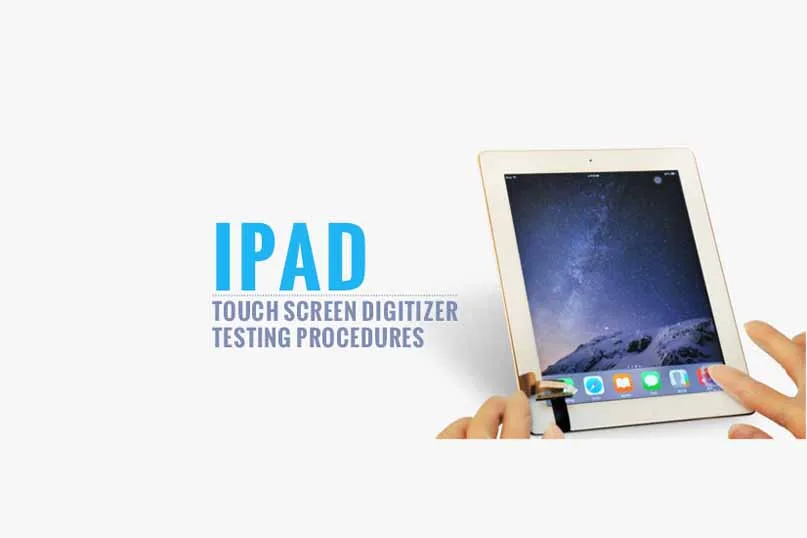

Do you know what kind of replacement touch screen digitizer for iPad is qualified one and what are you supposed to do to test it then?
Here is the procedure our quality control engineers process with the parts quality inspection of which standard is in line with the industry standard.
Appearance Testing

No scratches on the touch panel

No dust spots or dots on the touchscreen

No breakage on the digitizer

No paint loss on the touchscreen

No chromatic aberration compared with OEM one

Grid lines inspection in the normal range

Home button hole alignment – in a proper position

Home button hole measuring – diameter around 10mm
Three Proofings Testing

The touch screen digitizer should possess the properties of three proofings – waterproof, alcohol proof, n-hexane proof.
Light Transmittance Testing

We usually do isible light (of which electromagnetic wave wavelength around 550nm) transmittance test to the camera hole and functional area of a touch panel.
The normal range for Camera Hole Testing Value should be greater than 90; While Functional Area should be greater than 88.
Bending Strength Testing

Bend the whole screen and four corners slightly to the extent that is within the proper range, while OEM one is more flexible.
Touch Function Testing

y moving the app icon in all directions including swiping from the edge of the screen to test if touch functionality works well.
In REWA, everything comes after quality!
Want to order our products?
Please contact us:
- PRE-SALES Skype: rewatech
- Email: service@rewa.tech
- AFTER-SALES Skype: support-rewatech
- Email: support@rewatechnology.com
 English
 Español
 Français
 Deutsch
 Italiano