
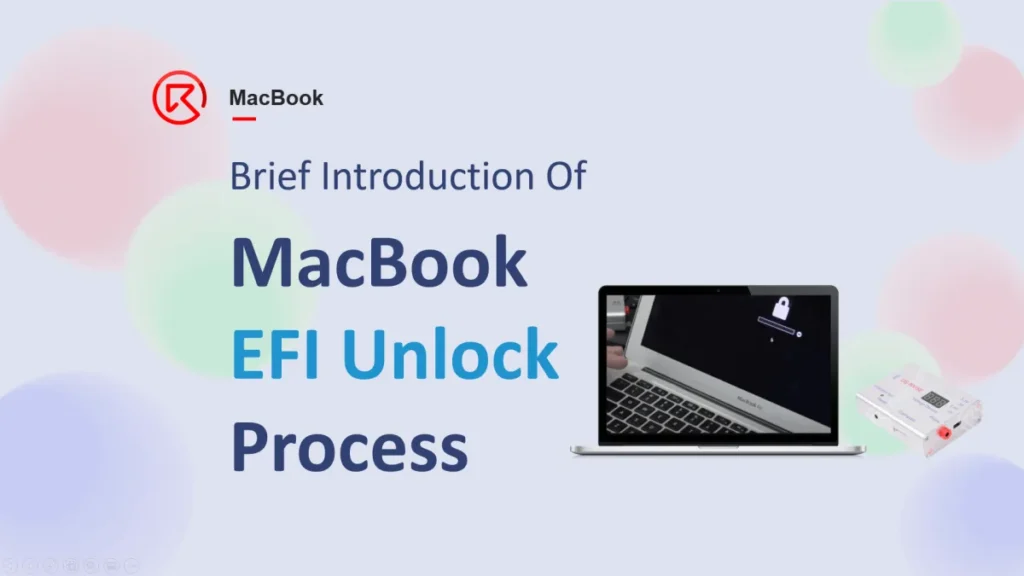
In this article, we will briefly introduce the EFI unlock process of the Macbook.

Main Applications (when we need to unlock the EFI?)
- Long time no use, forget the EFI password
- Buy a secondhand Macbook but the EFI password has not been told
Principle
Clean the EFI data stored in the BIOS chip.
And the whole process can be simplified as below 3 main steps
- Read > Modify > Write
Tools Required
Hardware
- EFI unlocking tool
- DC power supply
Software
- iFixProg
- WinHex
- Openboardview
- The schematics & bitmaps
Operation Process
Read the data from the BIOS chip
- Take out the motherboard and disconnect the battery
- Get the EFI tool connected with the computer
- Find the SAM connector (can refer to the bitmap or schematic)
- According to the model, choose the proper power contact cable to connect with the SAM connector on the motherboard


- Find out the BIOS chip power supply rail (PP3V3_S5) related test points

- Get probe connected with test point adjust the proper voltage to power the BIOS chip

- Use the iFixProg software to Read the data from the BIOS chip, and save the file (the file can save the file to the desktop, so that can be found easily)
Modify the BIOS EFI Code by WinHex
- Open the saved BIOS file
-
Find text > $SVS > OK > Find and select the BIOS data (from ‘FF FF…’ to ‘FF FF…’)

- Find text > $SVS > OK > Find and select the BIOS data (from ‘FF FF…’ to ‘FF FF…’)

- save the modified file
Write the modified BIOS file into the BIOS chip with iFixProg software
- The operation is just similar to the reading process
- But please ensure during the reading/writing process, keep the BIOS get power supplied

After writing the file to BIOS the Macbook EFI unlock process is finished, assemble the Macbook and get the battery connected.
Start the Macbook, the EFI pin can get removed successfully.

<The MacBook course is coming soon, stay tuned on the REWA Academy to know the latest news.>
 English
 Español
 Français
 Deutsch
 Italiano